Your best plays. Cut on your phone.
Pick clips from your camera roll, freeze the moment and circle the player, add a title card and music. Cutup builds the reel on your iPhone, ready to send to coaches.
- Free to make and export
- No account
- Your clips stay on your devices
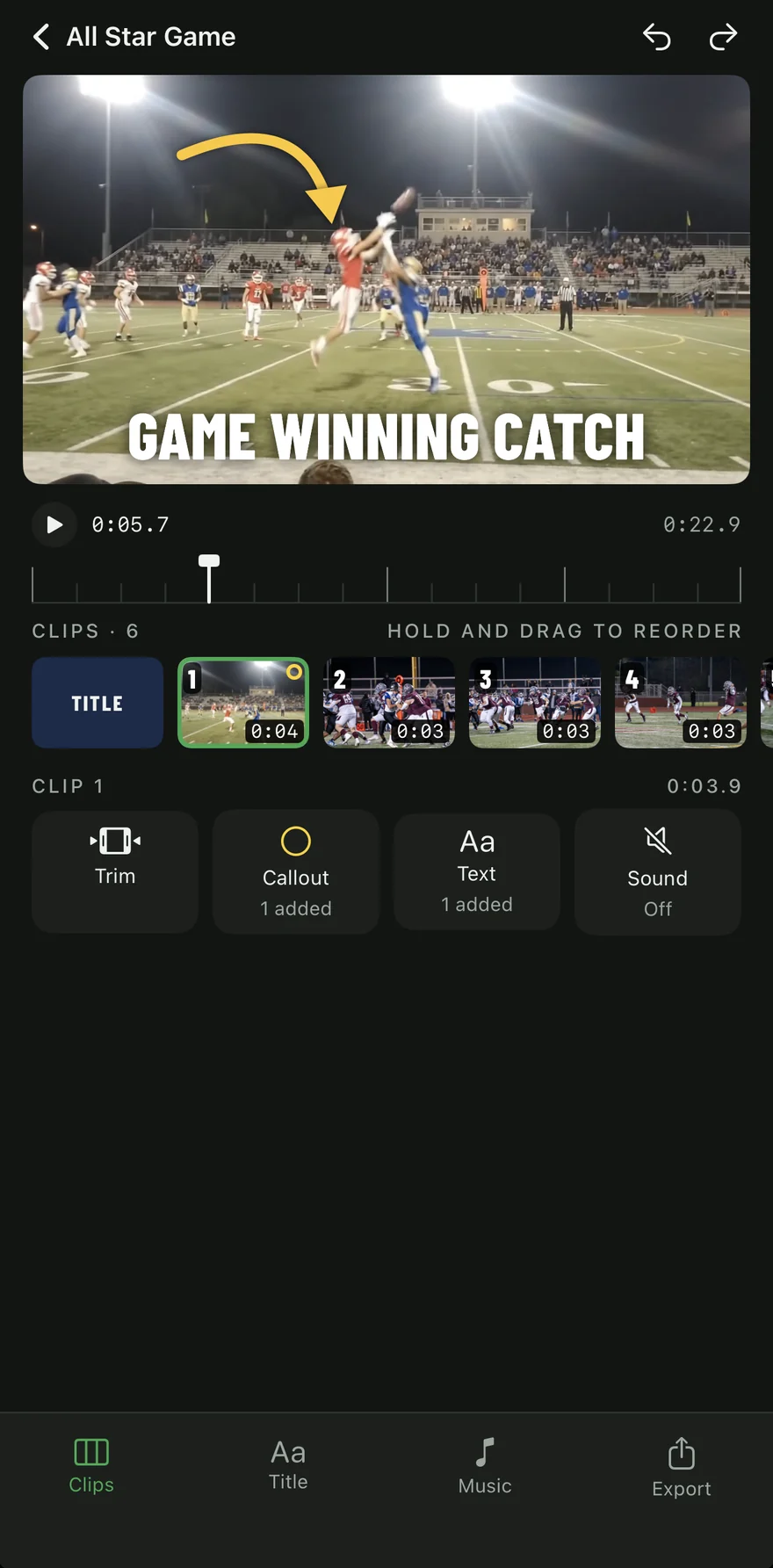
Three steps from camera roll to coach
Pick your clips
Choose videos and photos straight from Photos. Trim each one to the play. Nothing is copied or uploaded.
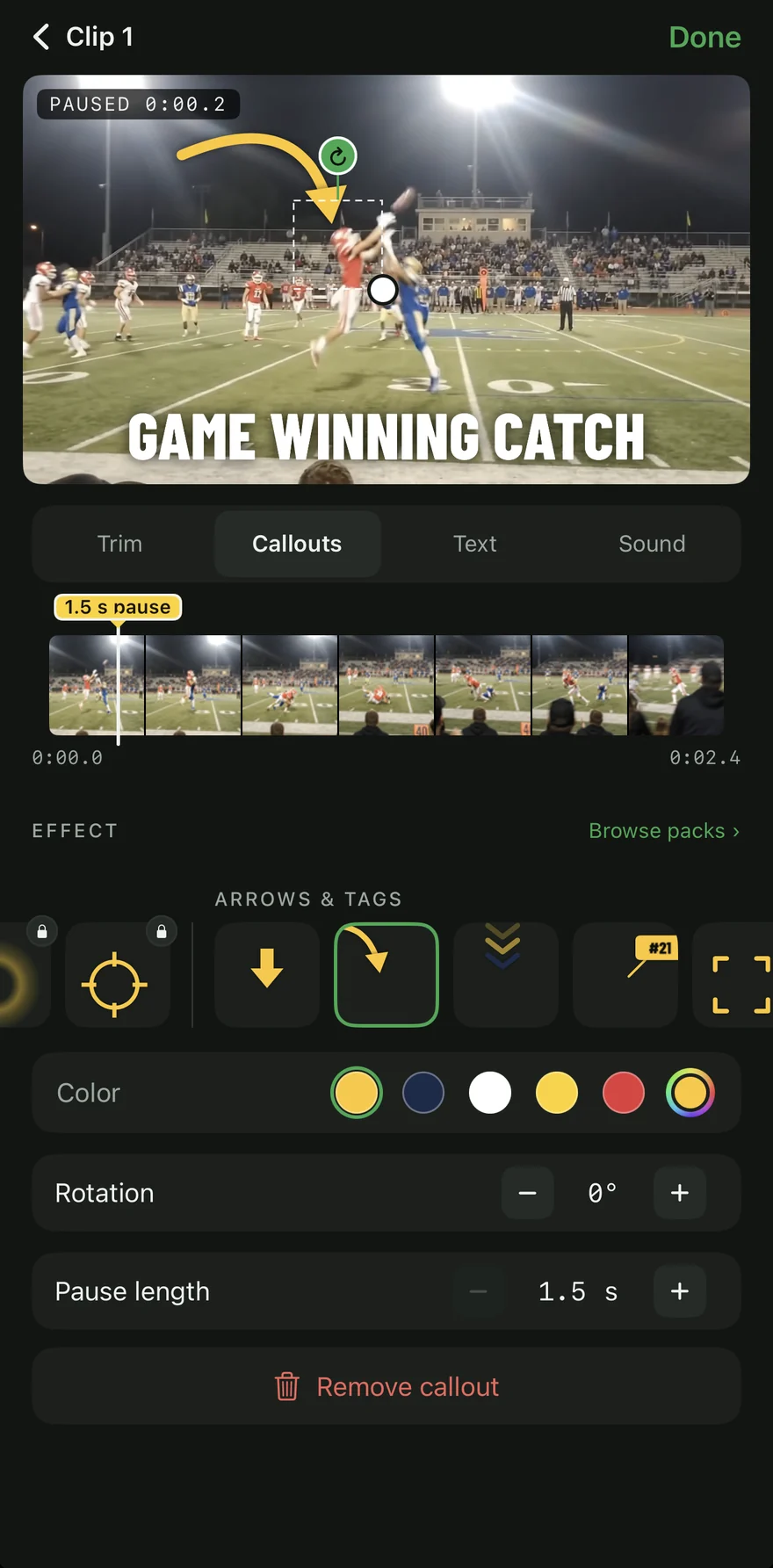
Mark the play
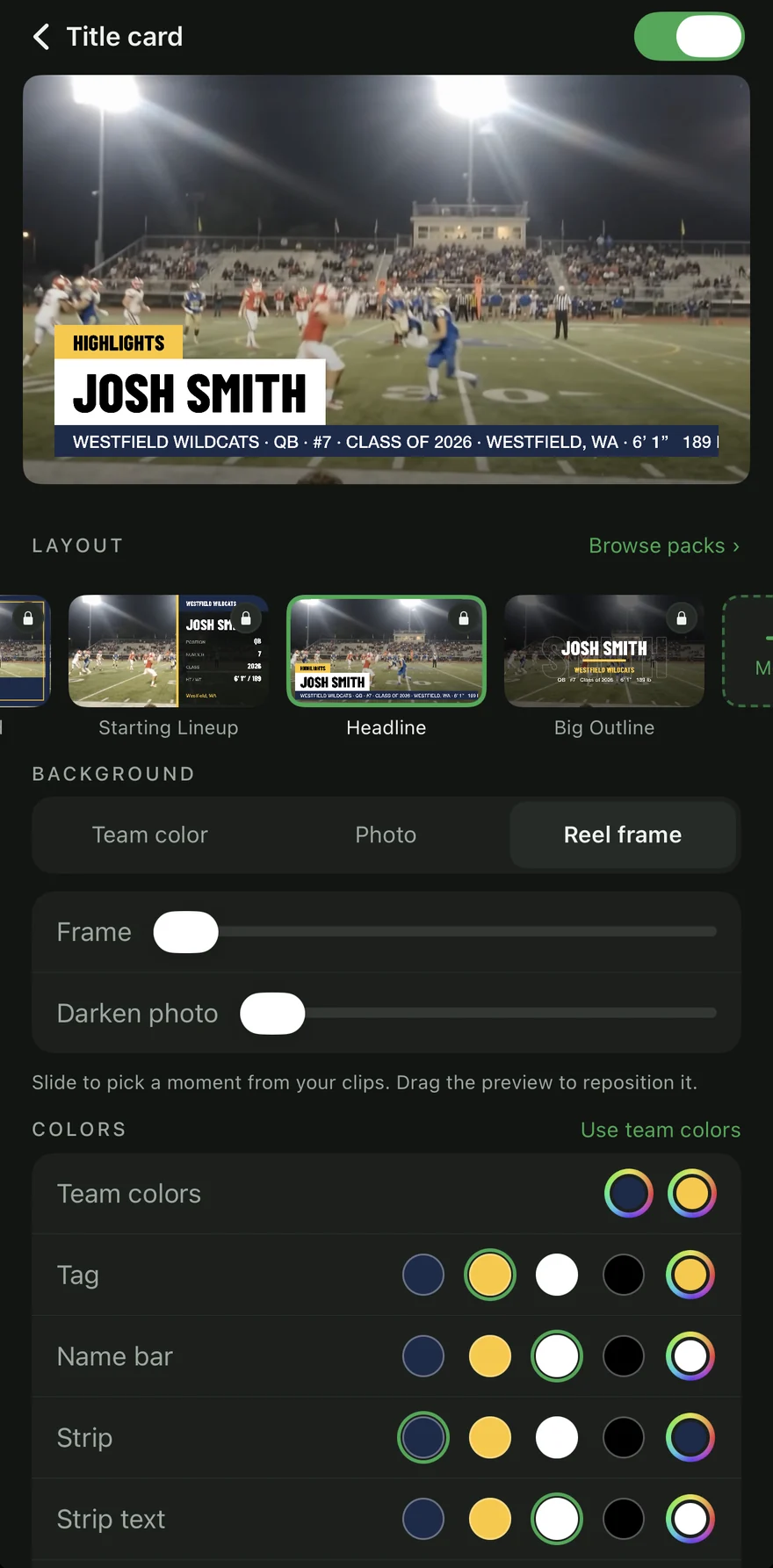
The reel pauses on the moment and a callout circles the player, so a coach knows who to watch. Add a title card with name, position and class.
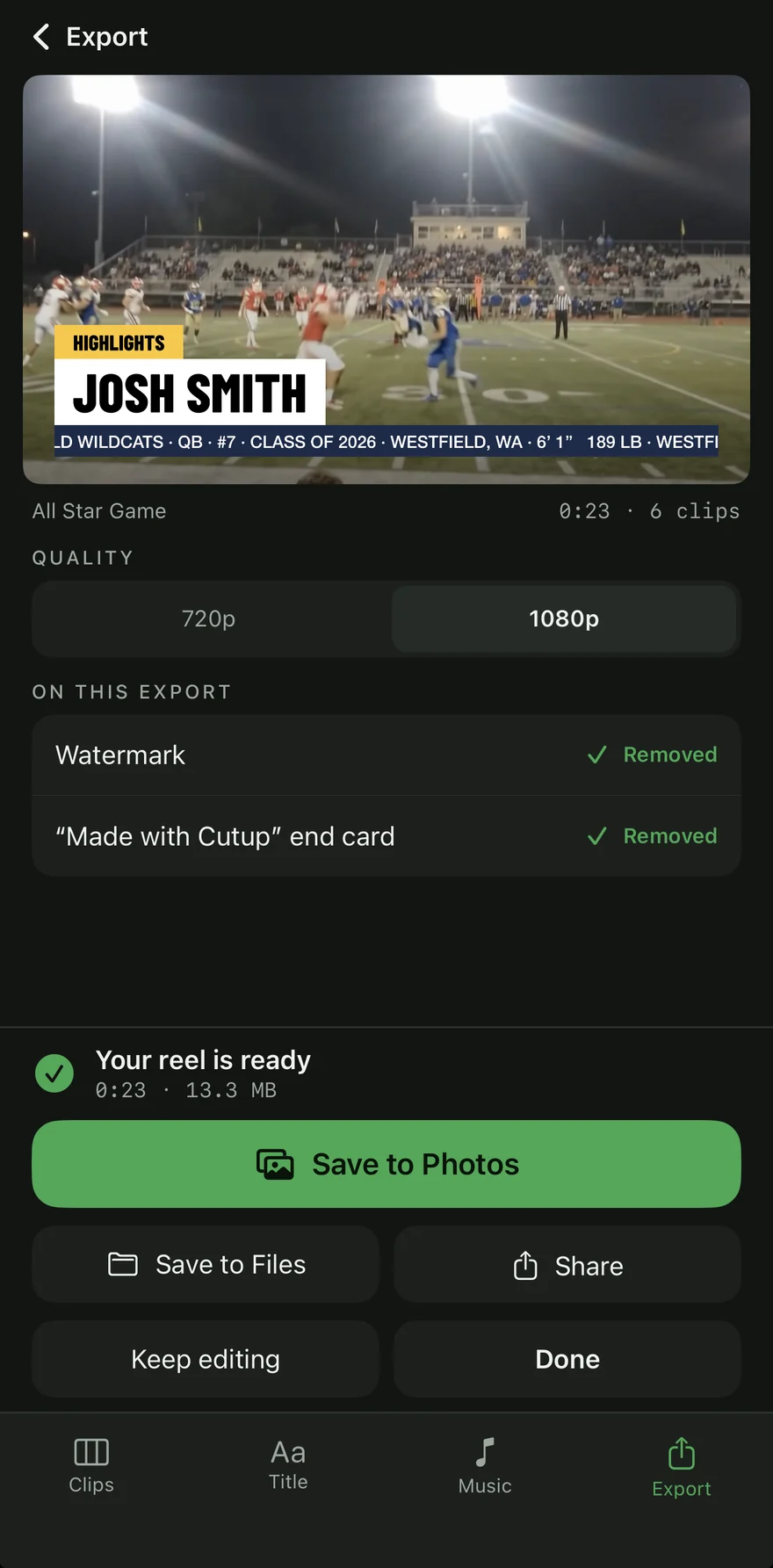
Export and send
Export in 1080p, landscape or vertical. Save to Photos, post it, or text it to a coach.
- Football
- Basketball
- Soccer
- Volleyball
- Baseball
- Softball
- Lacrosse
- Hockey
- Field Hockey
- Wrestling
- Boxing
- MMA
Free to make. Pay only for extras.
The app is free
- Build and export as many reels as you like, at full quality
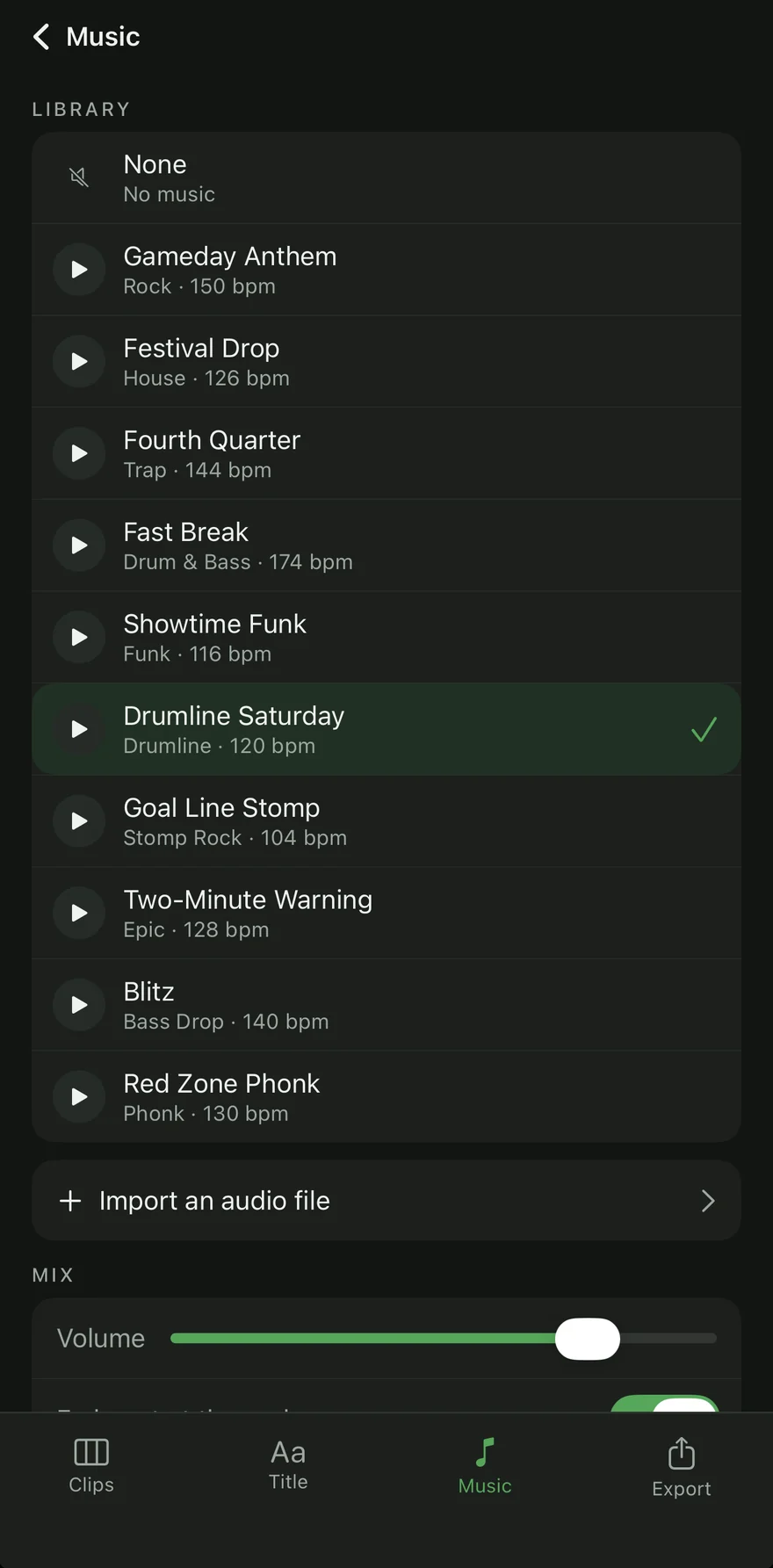
- Trim, freeze, callouts, labels, title cards and ten music tracks
- No ads and no account
Free exports carry a small Cutup mark in the corner and a "Made with Cutup" end card.
One-time extras
Bought once, yours on every reel. Family Sharing included.
One link for every recruiter
Publish your reel to your own page at cutupsports.com/athletes/your-name, in your team colors, with your details and a button to contact your coach.
- See who's watchingViews by day and where they came from, plus a weekly email.
- Contact the coachThe main button reaches your coach, so your own number and email stay off the page.
- Clean exports includedNo watermark or end card on any reel while you subscribe.
- Search engines only if you say soPages stay out of Google until you switch listing on.
Your clips stay yours
Reels are made on your iPhone and sync through your own iCloud. We never receive your videos, photos or music unless you publish a Player Page.
No account, no ads
Open the app and start. Purchases go through your Apple Account, and there is no advertising anywhere.
Pages you control
Unpublish or delete a Player Page and its data at any time. Parents can ask us to remove a page about their child.
Before you download
Yes. Building and exporting reels is free at full quality. Free exports carry a small watermark and a "Made with Cutup" end card, which you can remove with one-time purchases.
No app can, because streaming songs are copy-protected. Use one of the tracks built into Cutup, or import an audio file you own.
Yes. Mix portrait and landscape clips and export the reel as 16:9 for coaches or 9:16 for social.
Yes. When your iPhone is signed in to iCloud, your reels, the clips you imported and your athlete details sync through your own iCloud storage to every iPhone on the same Apple Account, and come back if you reinstall. Cutup can't see them. You can turn it off in Cutup's Settings.
On your iPhone, open Settings, then your name, then Subscriptions, then Cutup. The page stays up until the end of the period you paid for.
Make your first reel tonight
